
Tech Help
Fix, secure and get more from your devices.
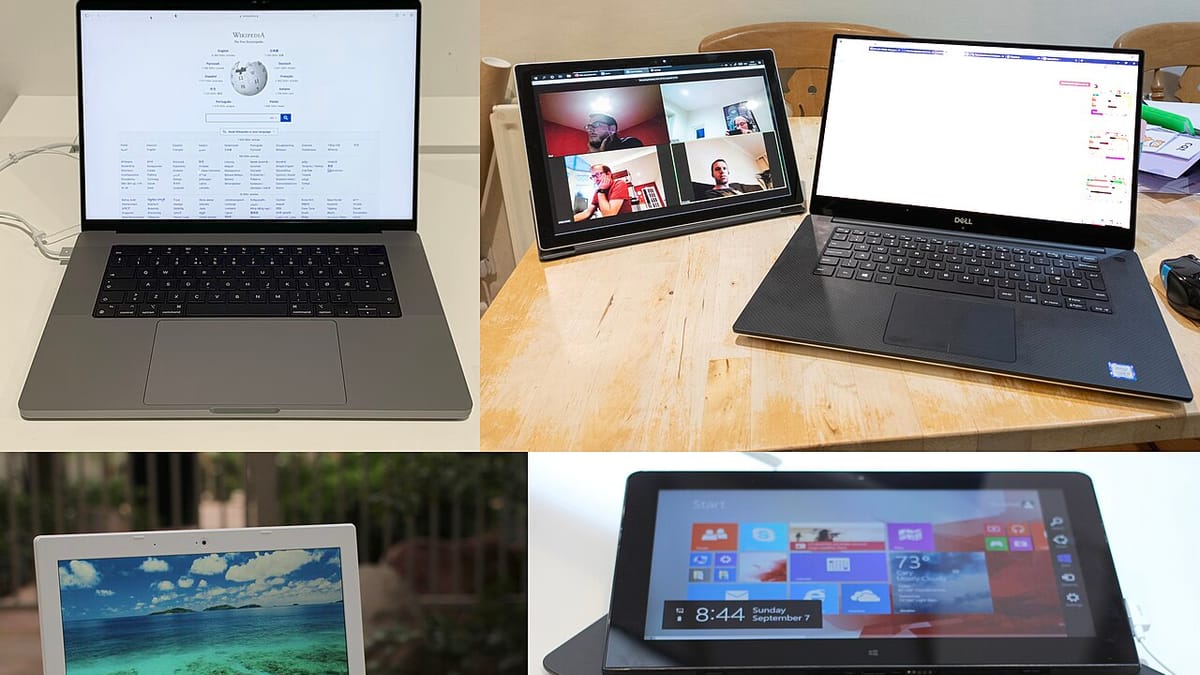
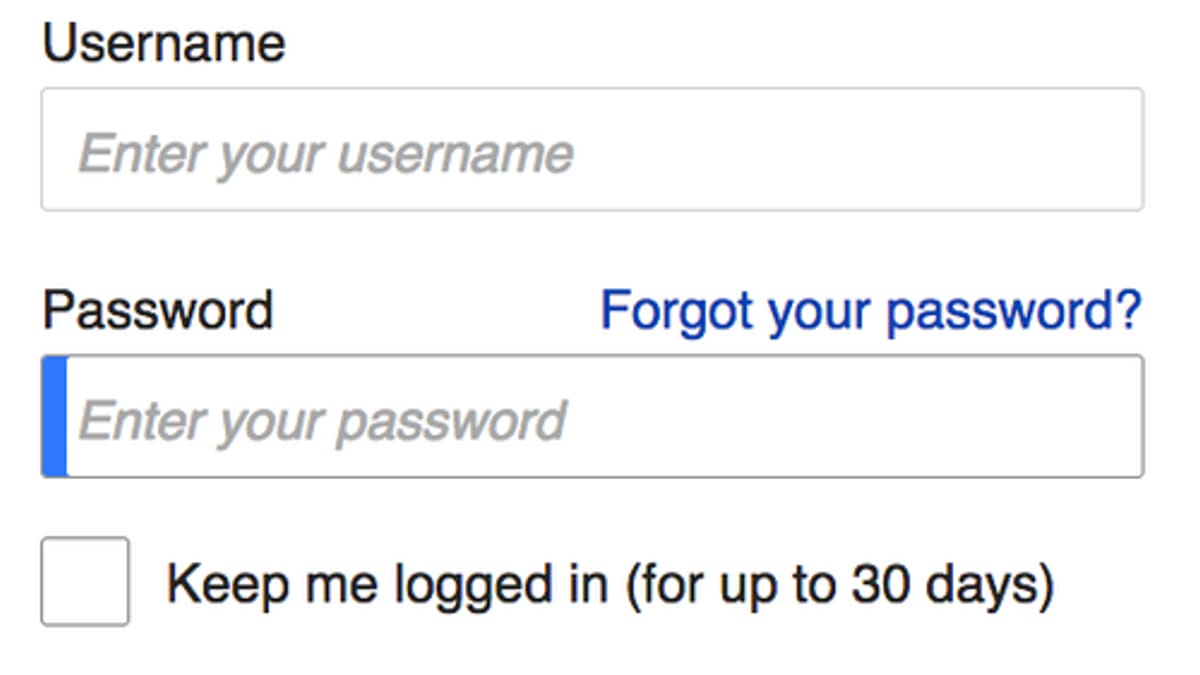
Built-In vs Standalone Password Managers: Which Should You Use?
Built-in password managers are free and convenient; standalone managers work across all devices and offer more features. Any reputable one beats reusing passwords.

How to Create a Strong Password You Can Remember
The strongest practical passwords are long, unique to each account and stored in a password manager.
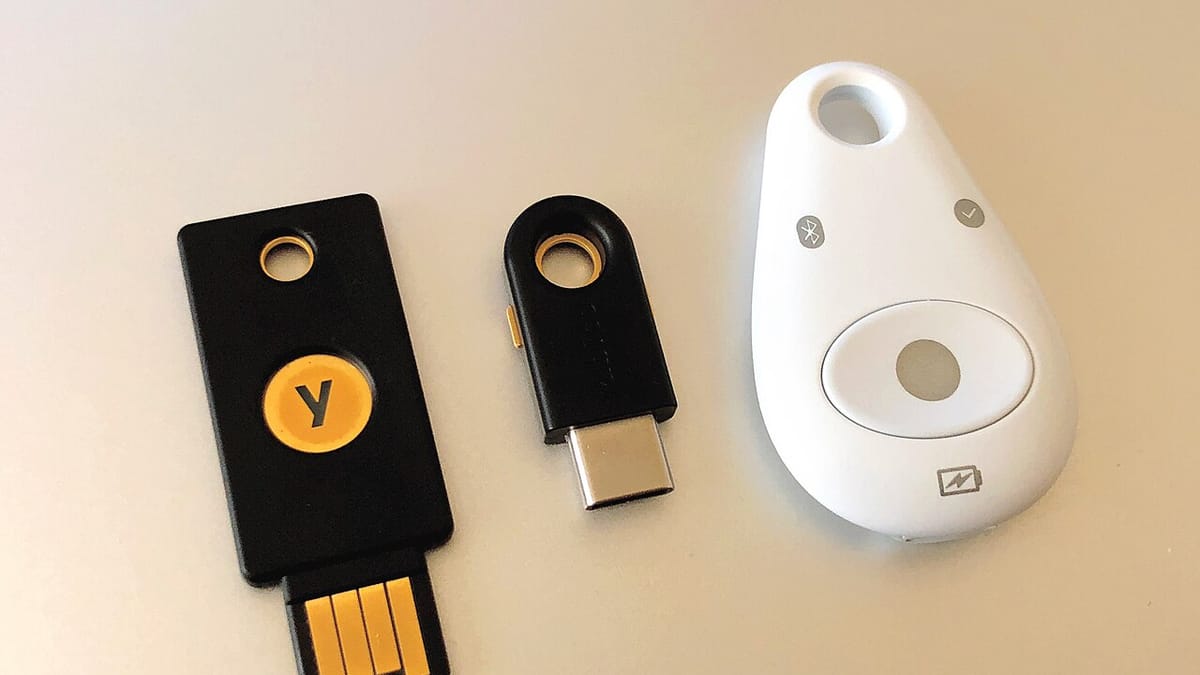
How to Set Up Two-Factor Authentication
Two-factor authentication blocks most account takeovers by requiring a second proof of identity beyond your password.
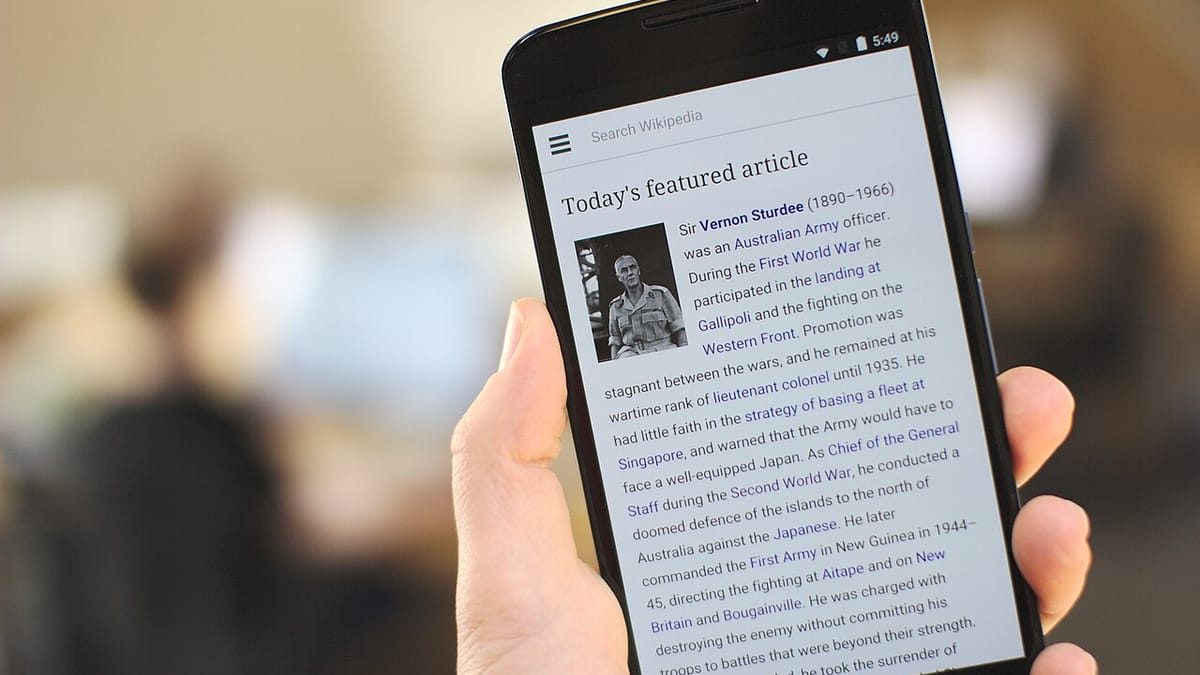
How to Back Up Your iPhone or Android Phone
Both iPhone and Android phones can back up automatically to the cloud. Here is how to turn it on and check it works.
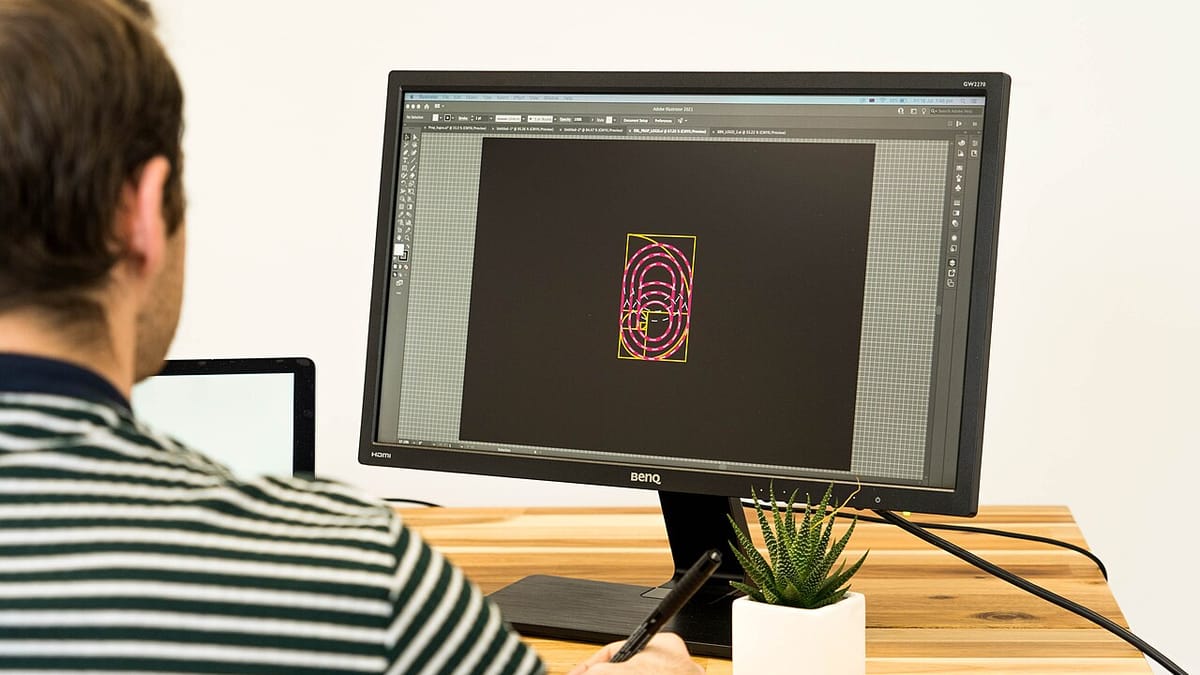
How to Speed Up a Slow Computer
Most slow computers can be sped up by updating software, removing startup programs and freeing disk space.

How to Take a Screenshot on Windows, Mac, iPhone and Android
Every computer and phone has a built-in way to capture the screen. Here are the shortcuts for Windows, Mac, iPhone and Android.
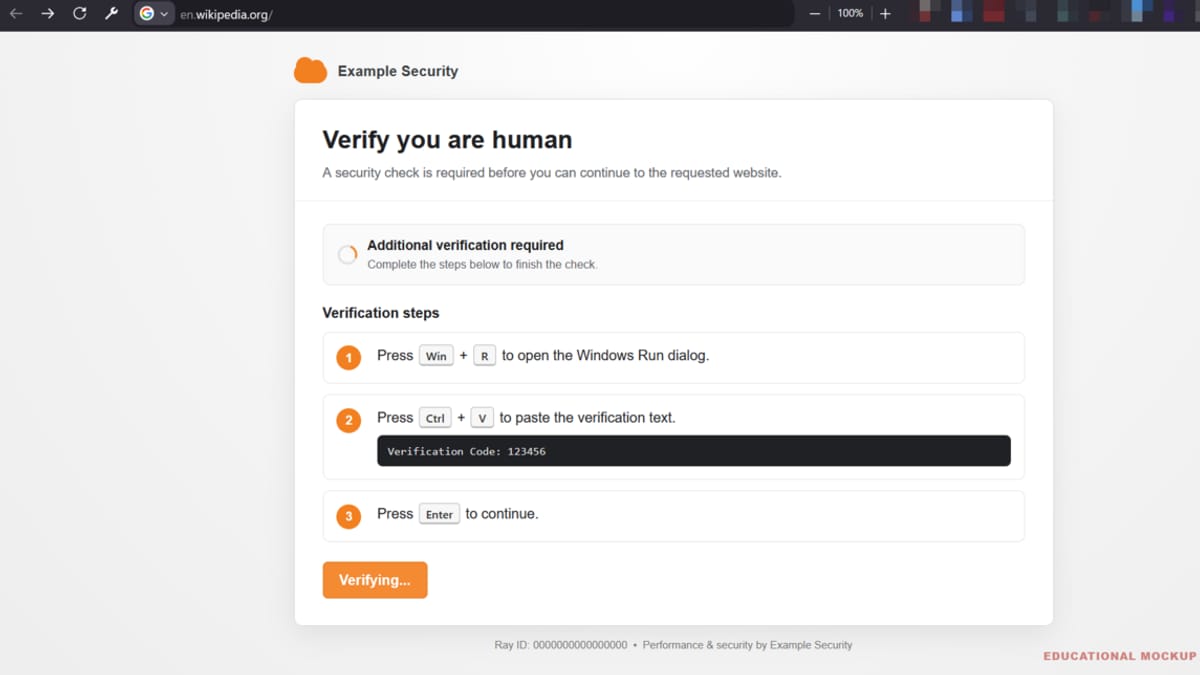
How to Spot a Phishing Email
Phishing emails impersonate trusted companies to steal passwords or money. Check the sender, links and tone before you click.
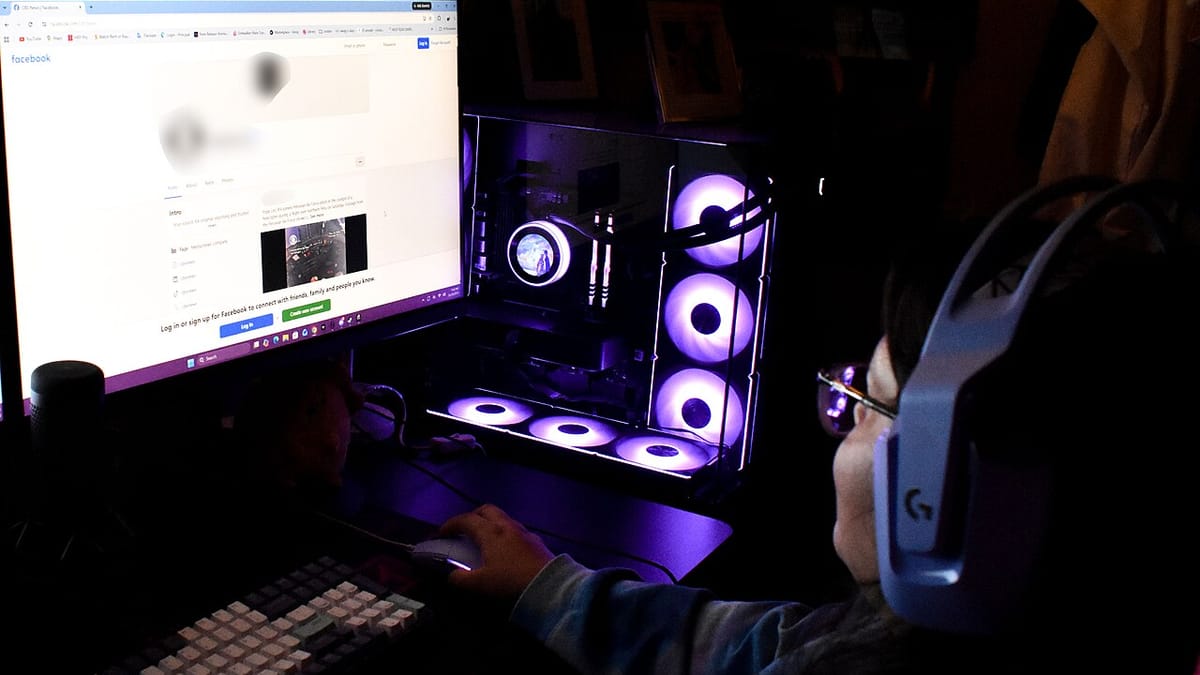
How to Protect Your Privacy on Social Media
Review who can see your posts, limit personal details on your profile and control what apps can access.
How to Write Better Prompts for AI Chatbots
AI assistants give better results when you explain the goal, the audience, the format you want and any examples. Always verify facts.
How to Secure Your Home Wi-Fi Network
A few router settings protect your home network from intruders: a strong admin password, WPA3 or WPA2 encryption and regular updates.

How to Free Up Storage on Your Phone
Photos, videos, messages and app caches fill phones quickly. Here is how to reclaim space on iPhone and Android.
How to Recover a Hacked Email Account
If your email is hacked, reset the password through the official recovery process, review settings and secure linked accounts.

How to Start a Blog in 2026
Starting a blog takes a clear topic, a platform and a commitment to publishing useful, original content regularly.
How to Clear Your Browser Cache and Cookies
Clearing your cache can fix pages that will not load properly. Here is how to do it in each major browser.
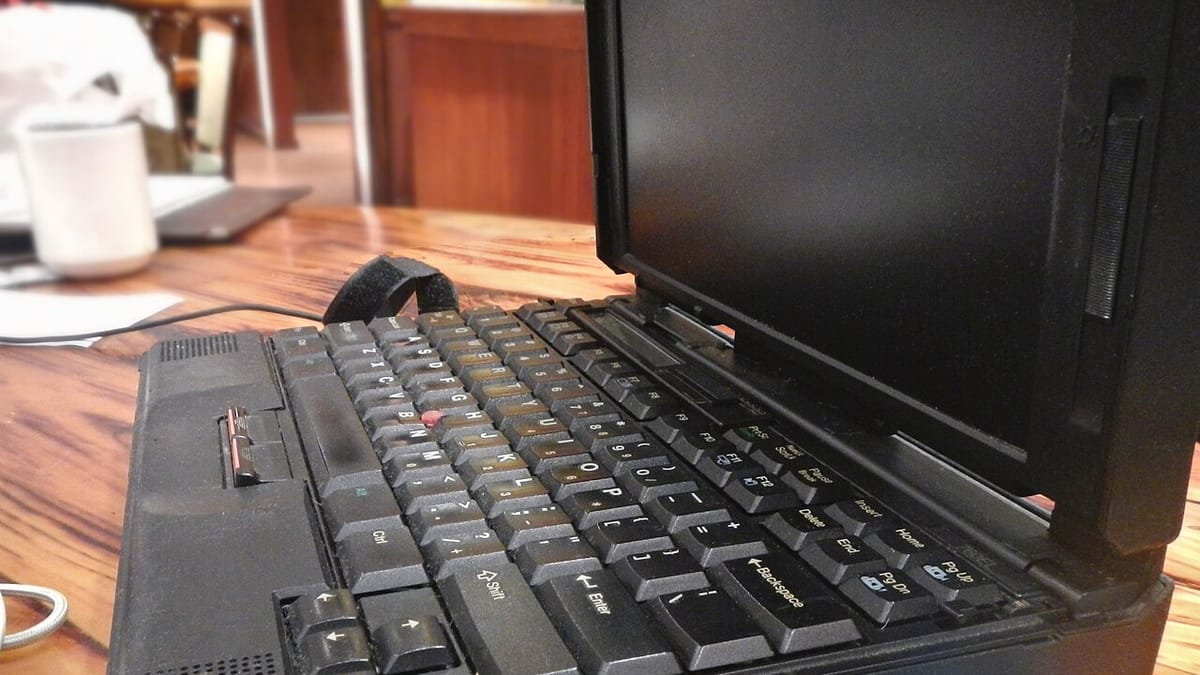
How to Clean a Laptop Screen and Keyboard Safely
Use a microfiber cloth, a little distilled water or screen cleaner and compressed air. Never spray liquid directly on a laptop.