
Tech HelpHow-To
How to Protect Your Privacy on Social Media
Settings to check today on Facebook, Instagram, TikTok, X and LinkedIn.
This guide is general information. For medical, legal, financial or safety decisions, consult a qualified professional.
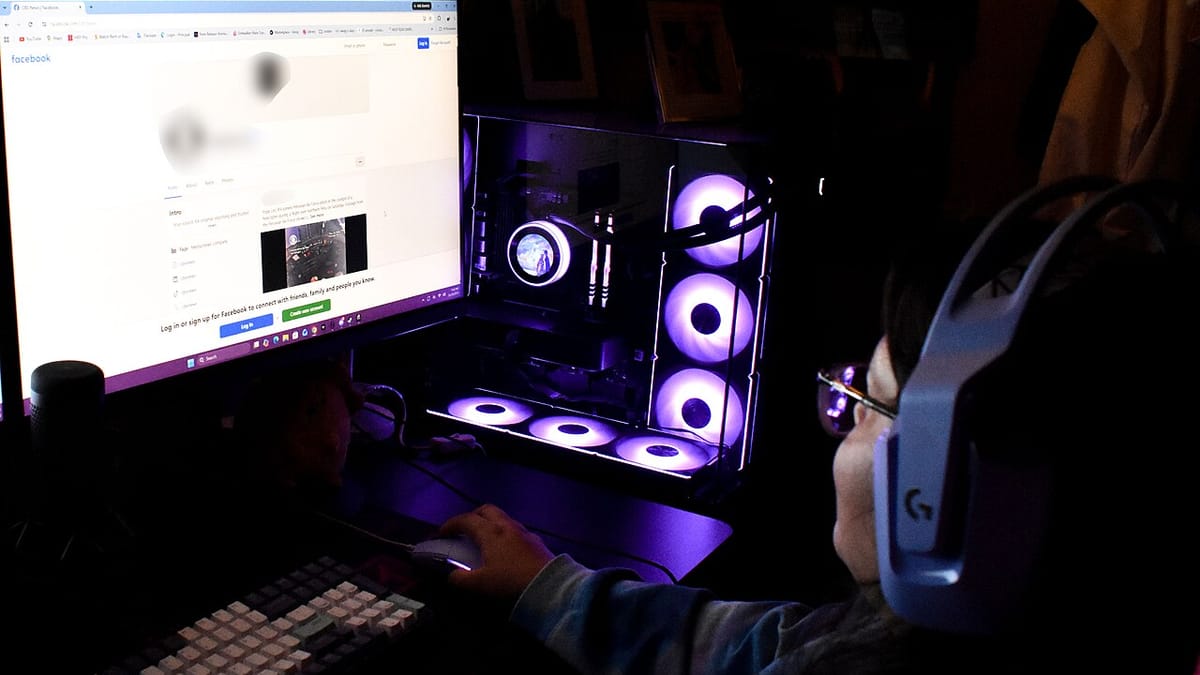
In brief: What you share online can be seen by more people than you expect, and personal details can be used for scams or identity theft. A periodic privacy checkup takes about 15 minutes per platform.
Steps
- Run the built-in privacy checkup. Most platforms, including Facebook and Instagram, offer a guided privacy or security checkup in settings.
- Choose who sees your posts. Set default audiences to friends or followers you approve, and consider a private account.
- Remove sensitive details. Hide or delete your birth date, phone number, home address and school or workplace if not needed.
- Turn off location sharing. Disable location tagging on posts and avoid posting where you are in real time.
- Review tagged photos. Turn on tag review so you approve photos before they appear on your profile.
- Check connected apps. Remove third-party apps and games that have access to your account but you no longer use.
- Limit ad tracking. Adjust ad preferences and, on phones, limit app tracking in your device's privacy settings.
Tips
- Search your own name online to see what others can find.
- Think before posting photos of children; consider who might see them.
Frequently Asked Questions
Does a private account fully protect my data?
It limits who sees your posts, but the platform still collects data, and approved followers can share your content.