
Tech HelpHow-To
How to Spot a Phishing Email
Seven warning signs, and what to do if you clicked a link.
This guide is general information. For medical, legal, financial or safety decisions, consult a qualified professional.
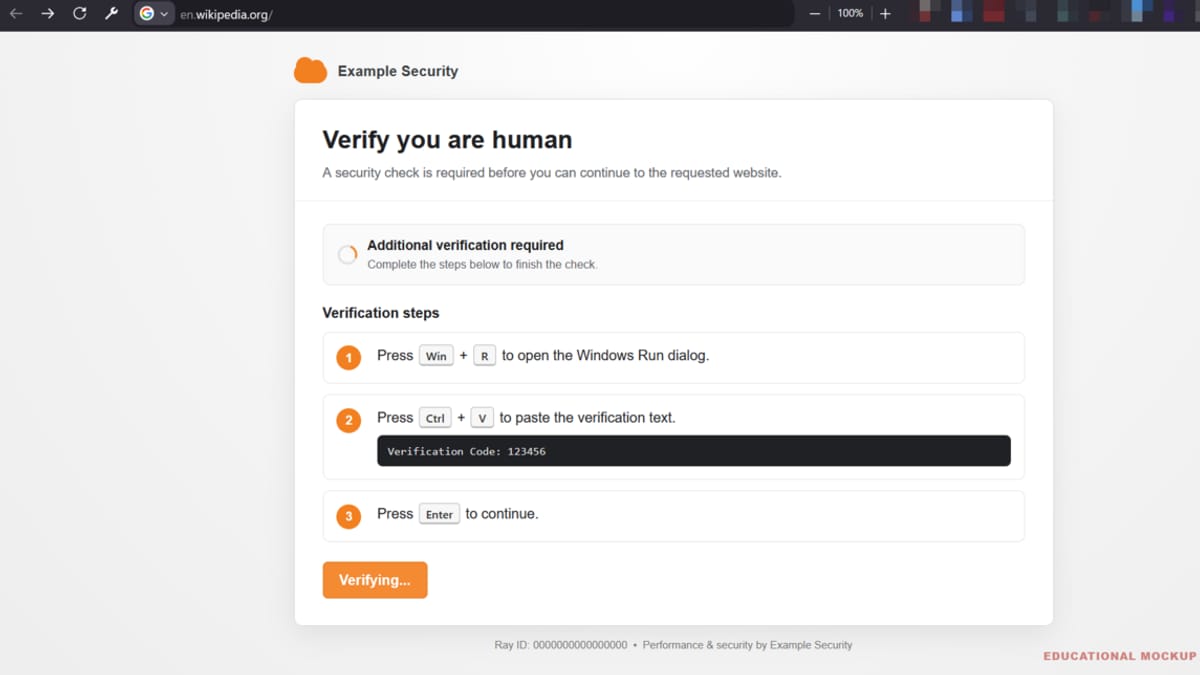
In brief: Phishing is a scam in which attackers pretend to be a bank, delivery company, employer or tech firm to trick you into clicking a link, opening an attachment or sharing information. Modern phishing can look very convincing, so it pays to slow down.
Steps
- Check the sender's address. Look at the full email address, not just the display name. Watch for misspellings such as "paypa1.com" or unrelated domains.
- Hover over links. On a computer, hover over a link to see the real address before clicking. On a phone, press and hold.
- Notice urgency or threats. Messages saying your account will be closed or you will be fined unless you act now are a classic sign.
- Look for unexpected attachments. Do not open attachments you were not expecting, especially files ending in .zip, .exe or documents asking you to enable macros.
- Watch for requests for information. Legitimate companies do not ask for passwords, full card numbers or verification codes by email.
- Verify another way. Go directly to the company's website or app, or call a number you trust, to check whether the message is genuine.
- Report and delete. Use your email's report phishing button and delete the message.
Warnings
- If you entered your password on a suspicious site, change it immediately, and anywhere you reused it, and turn on two-factor authentication. If you shared financial details, call your bank.
Frequently Asked Questions
Can I get hacked just by opening an email?
Opening an email is rarely enough on an updated device. The risk comes from clicking links, opening attachments or entering information.