
Tech HelpHow-To
How to Create a Strong Password You Can Remember
Long passphrases, a password manager and never reusing passwords.
This guide is general information. For medical, legal, financial or safety decisions, consult a qualified professional.
In brief: Weak and reused passwords are among the most common ways accounts get hacked. Current guidance from the US National Institute of Standards and Technology favors length over complicated rules, and stresses never reusing passwords.
Steps
- Go long. Aim for at least 15 characters. Length makes passwords far harder to guess or crack.
- Use a passphrase. String together four or more random, unrelated words, such as "copper violin harbor sunrise," which is long but memorable.
- Make every password unique. If one site is breached, a reused password lets attackers into your other accounts.
- Avoid personal information. Do not use names, birthdays, pet names or anything visible on your social media.
- Use a password manager. A reputable password manager generates and stores strong, unique passwords so you only need to remember one master passphrase.
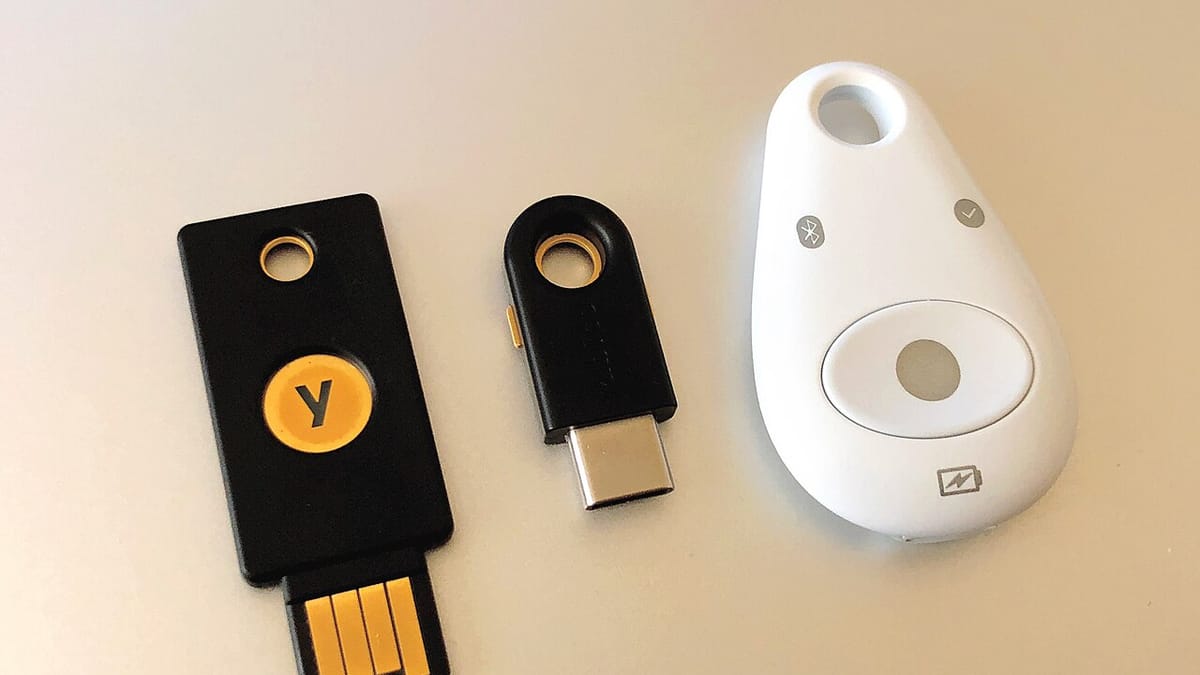
- Turn on two-factor authentication. Add a second step, such as an authenticator app or passkey, to important accounts.
- Check for breaches. Use a breach notification service such as Have I Been Pwned and change any exposed passwords.
Tips
- Where websites support passkeys, consider using them; they replace passwords with secure keys stored on your device.
Frequently Asked Questions
How often should I change my password?
Current guidance says change it when there is evidence of compromise, rather than on a fixed schedule.
Are password managers safe?
Reputable ones encrypt your data and are much safer than reusing passwords.