
Tech HelpHow-To
How to Set Up Two-Factor Authentication
Add a second lock to your email, bank and social media accounts in minutes.
This guide is general information. For medical, legal, financial or safety decisions, consult a qualified professional.
In brief: Two-factor authentication (2FA) asks for something you know, your password, plus something you have, such as your phone or a security key. Even if someone steals your password, they cannot get in without the second factor.
What you'll need
- Your smartphone
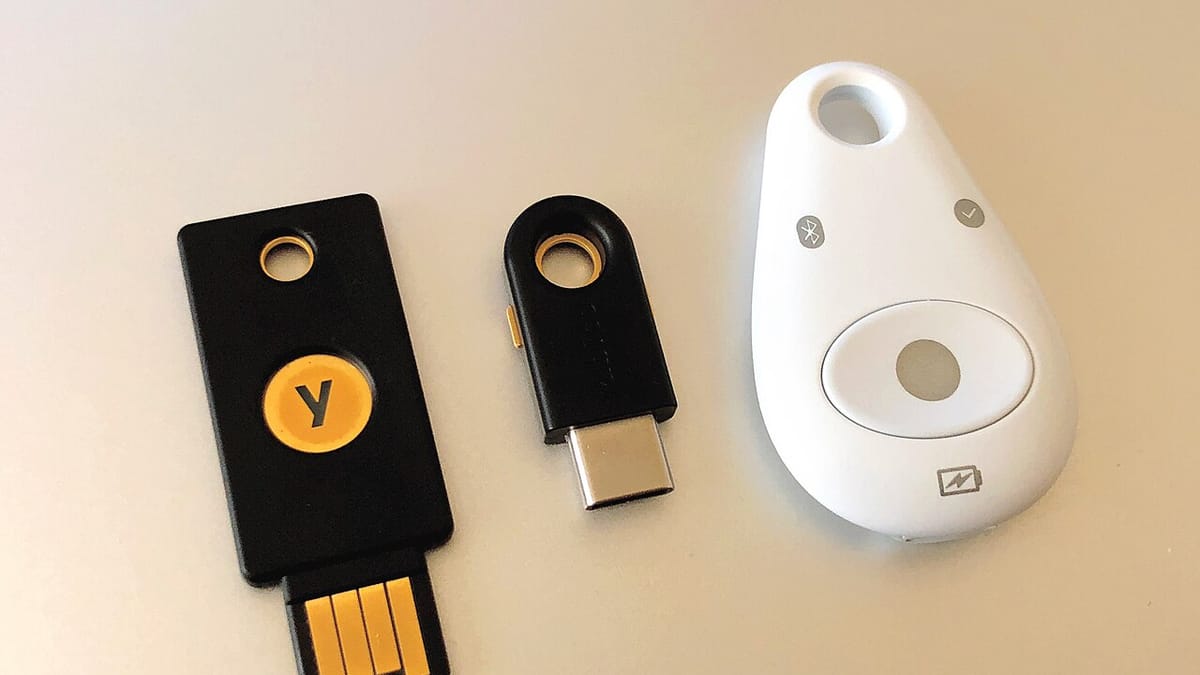
- An authenticator app such as Google Authenticator, Microsoft Authenticator or Authy, or a hardware security key
Steps
- Start with your most important accounts. Prioritize email, banking, cloud storage and social media; your email resets everything else.
- Open security settings. Look for "Security," "Two-step verification" or "Login verification" in the account settings.
- Choose your method. Authenticator apps and security keys are safer than text messages, which can be intercepted through SIM swap fraud.
- Scan the QR code. Open your authenticator app, add an account and scan the code shown on screen. Enter the six-digit code to confirm.
- Save backup codes. Store the recovery codes somewhere safe, such as your password manager or a printed copy at home.
- Repeat for other accounts. Work through your list until all important accounts are protected.
Tips
- If you change phones, transfer your authenticator accounts before wiping the old phone.
Warnings
- Never share a verification code with anyone who contacts you; legitimate companies will not ask for it.
Frequently Asked Questions
Is SMS two-factor better than nothing?
Yes. Text message codes are much better than a password alone, though apps and keys are stronger.